EXISTING GAME
America
English

YOUR NEXT ADVENTURE
Your world, ready to go. Download Tamerra for Android and continue with your account, team and progress. An iPhone and iPad edition is on the way.
The next Android beta is being prepared. Check back here for the download.
Direct APK download · Android 7 or later · Internet required
The Apple edition is in development. Download is not available yet.

Coming soon
Tamerra for iPhone and iPad is being prepared. It is not yet available on the App Store. The Apple download button will become available here once the app is published.
Choose the edition where you play. Each edition keeps its own accounts and progress. Create an account inside the app or start as a guest. Save your guest account from Settings to keep access to your progress.
EXISTING GAME
English
EXISTING GAME
Hebrew
EXISTING GAME
Japanese
CONNECTED TO YOUR WORLD
Explore the existing game's LIVE map from the app. Your team, bag and collection stay connected to the edition you sign into.
The painted background on this page is artwork, not a map screenshot.
Choose your world, meet your team, browse your bag and check your profile. Explore these previews of the interface in development.
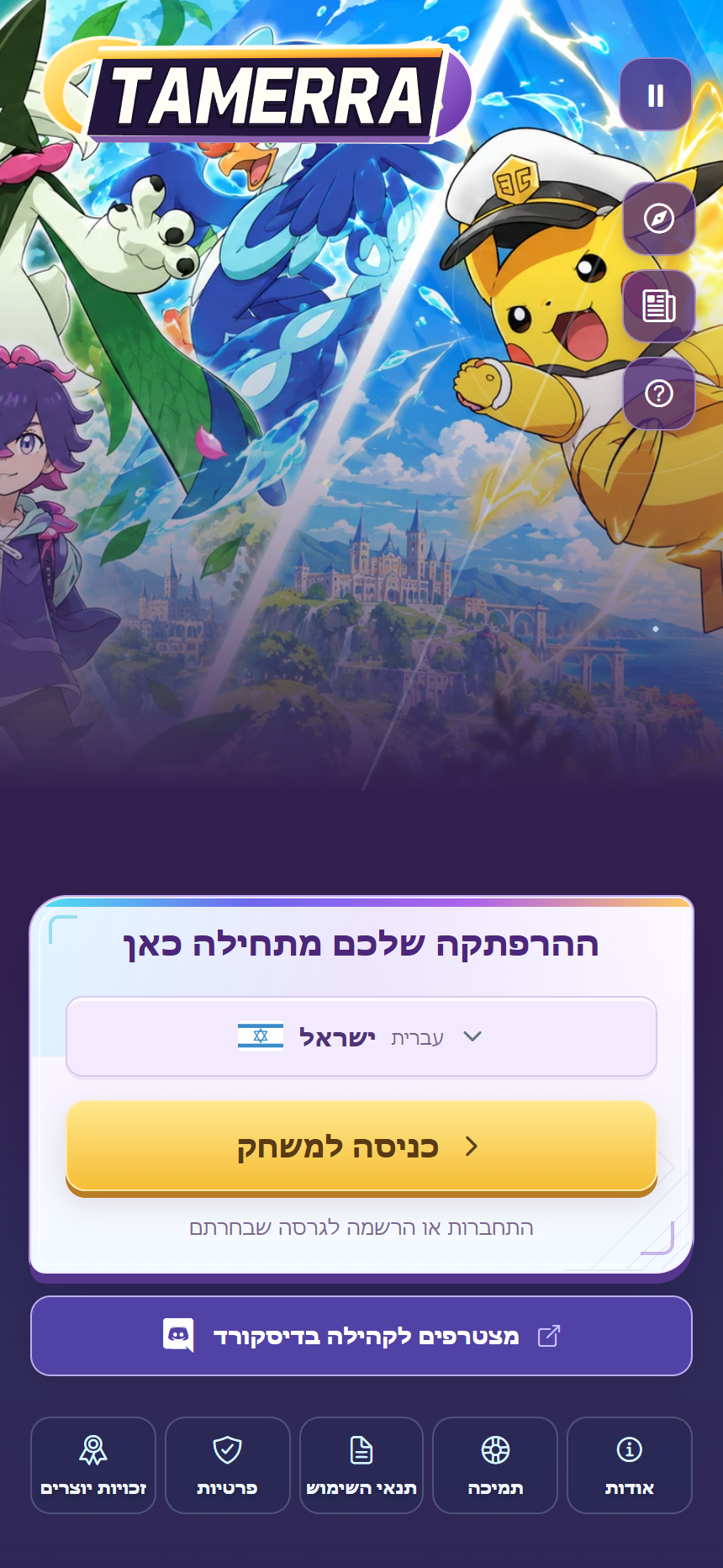
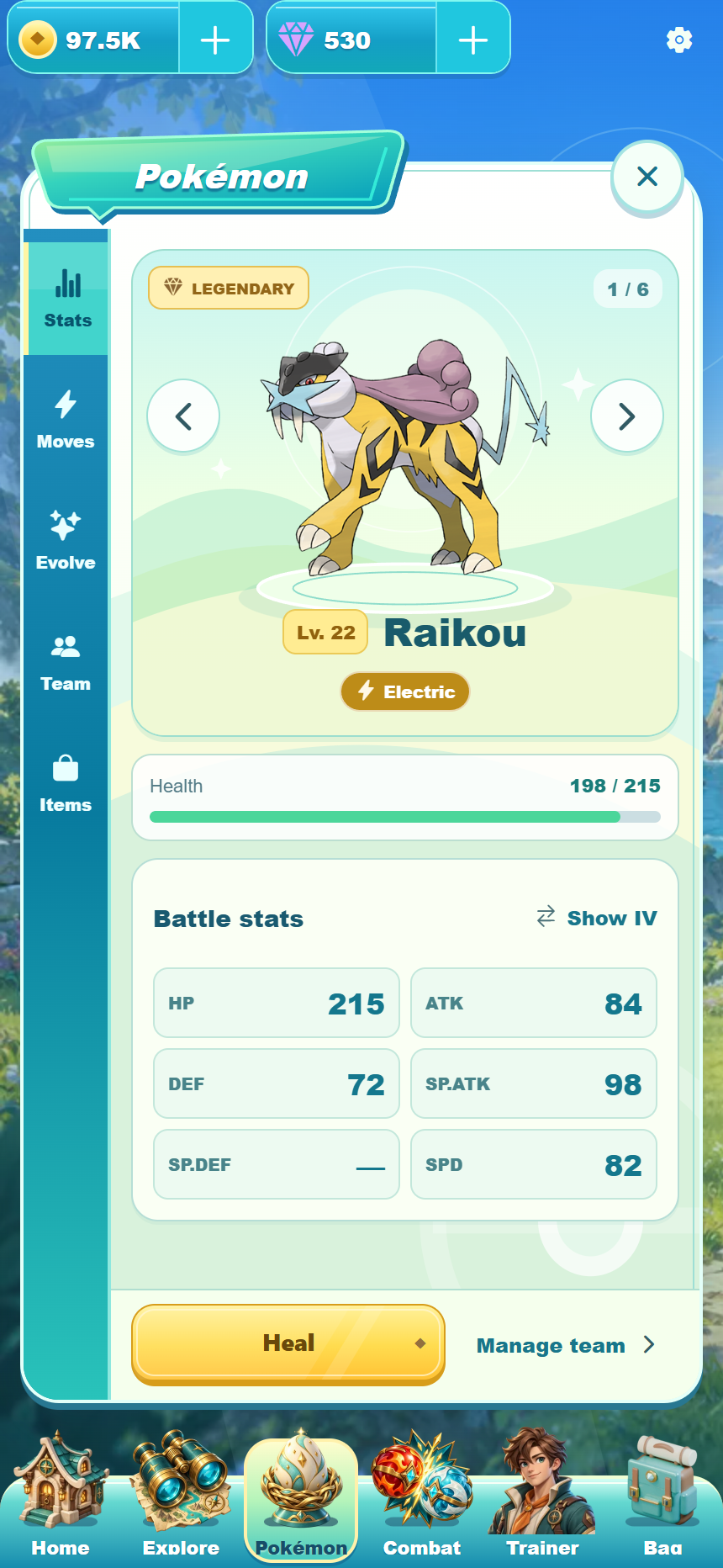
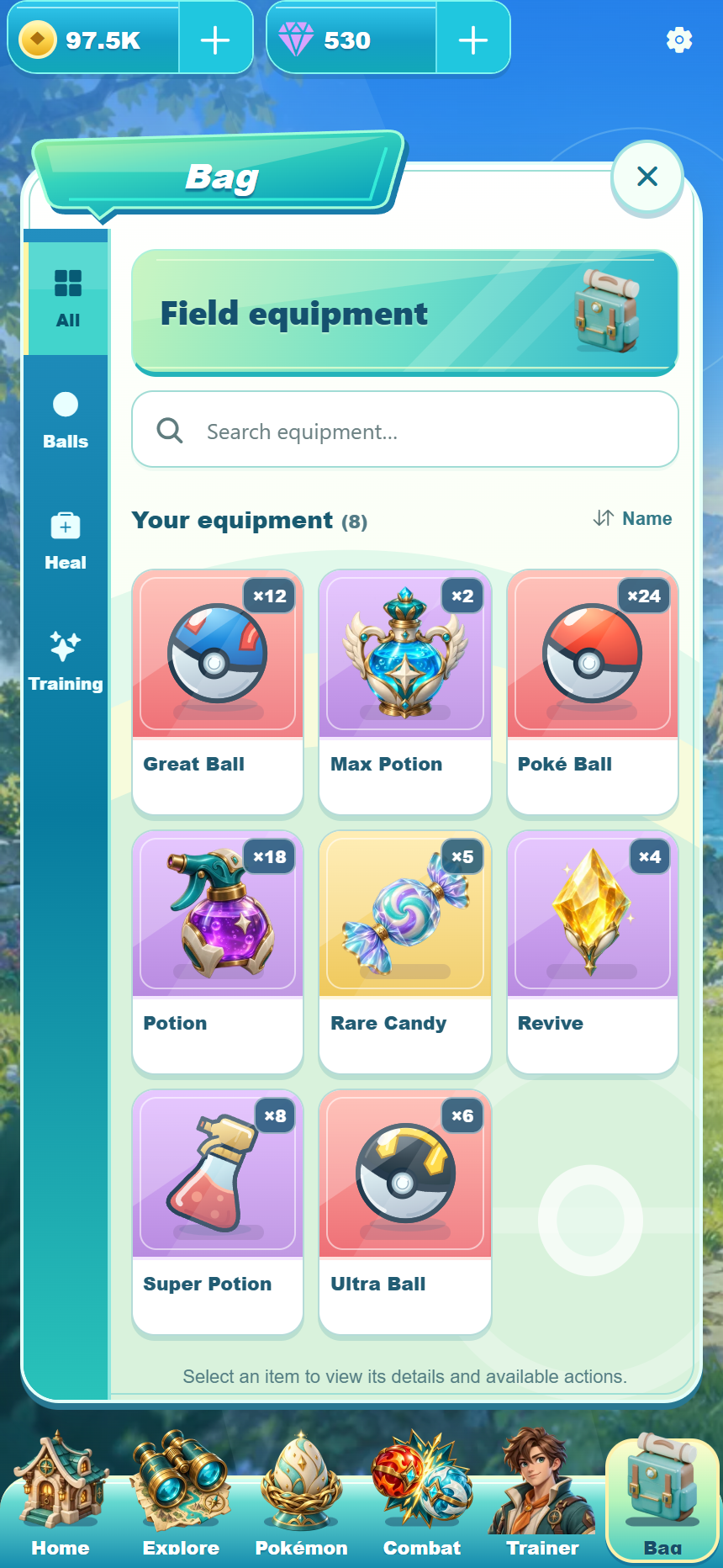
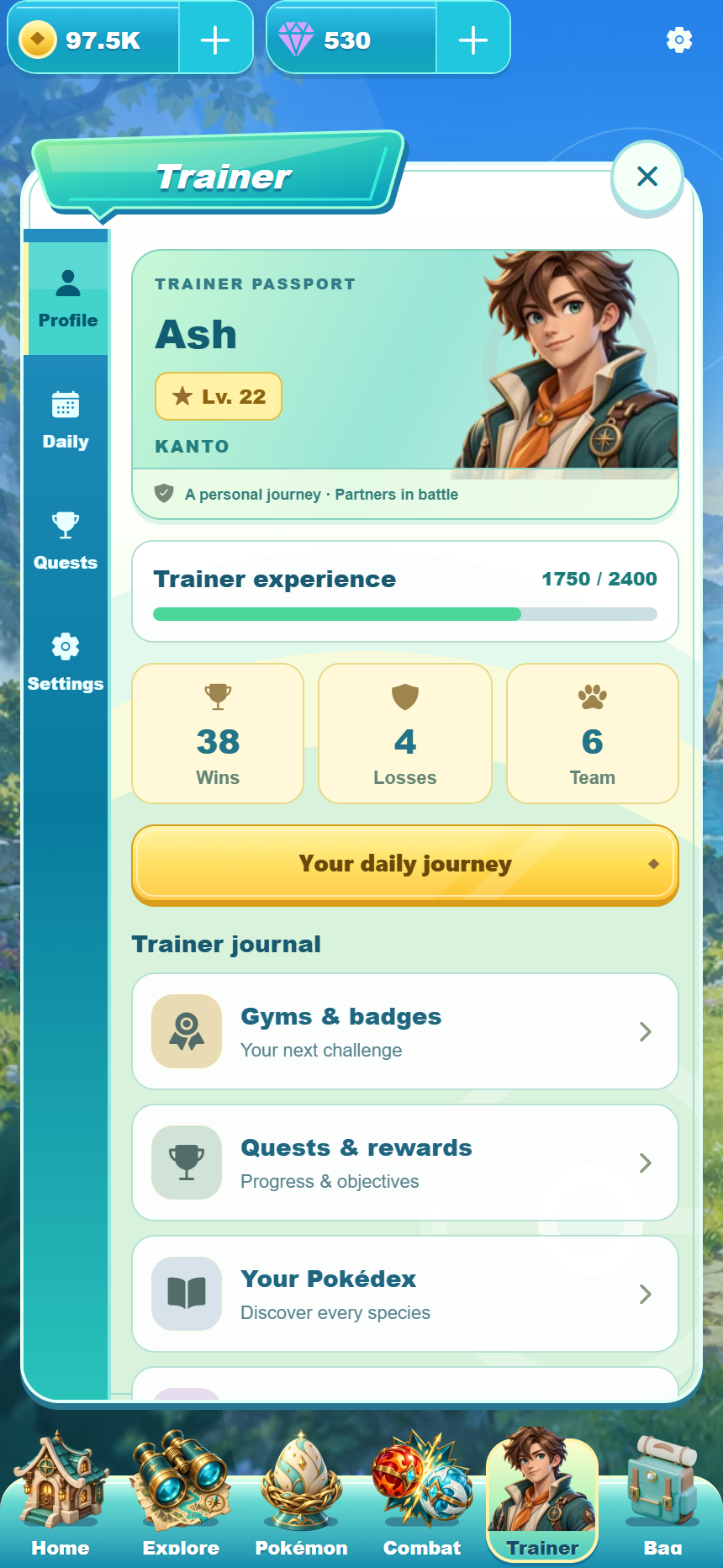
Browser previews of development version 1.0.23. The team, bag and profile show sample data. These are not iPhone or Android device screenshots; the downloadable Android beta may look different.
A direct download for your Android phone. The iPhone and iPad edition will be available separately.
Tap Download for Android on this page and wait for the APK file to finish downloading.
Open the downloaded APK. On Android 8 or later, allow installation from this browser or file manager if asked. On Android 7, the setting is called Unknown sources. Install Tamerra, then turn that installation permission off again.
Open Tamerra, complete the age step and choose America, Israel or Japan. Sign in with your account for that game, or tap “Create account or play as guest” to register or play as a guest inside the app. Save a guest account from Settings to keep access to its progress.